
Jump straight into immersive virtual collaboration.
Install on Meta Quest, Pico or Apple Vision and step into an immersive 3D workspace in minutes.
Experience VR collaboration firsthand — for free. Slip on your headset, launch RAUM, and explore immersive 3D workspaces in minutes. No account, no credit card, no setup.
Download RAUM
Getting started with VR collaboration takes three steps:
Step 1: Download RAUM freeStep 2: Put on your VR headset and launch RAUM
Step 3: Enter the trial workspace — or use an invitation link to join your team.
RAUM runs on Meta Quest, Pico, Apple Vision pro.
No worries, we have created a quick start guide to support your first metaverse journey.

Are you already a VR native person and not worry about registering an account? Just follow the invitation link, create your RAUM account and gain access to a lot of sample workspaces.
Value to our planet
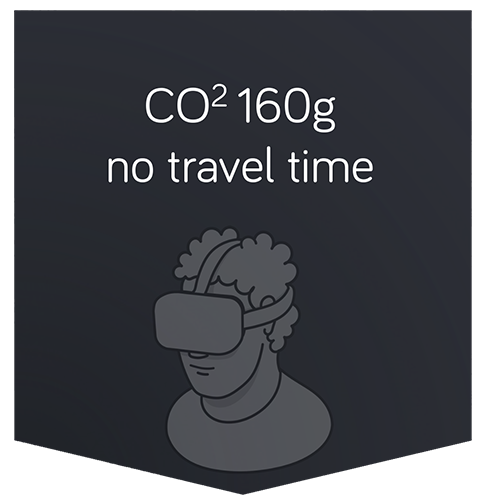
travel & emission example CGN to HAM and back (real life vs virtual reality)
save emission
By using VR for meetings and workshops, you save a lot of CO2 emissions

save costs
You don’t have to spend a lot of money to meet your team anywhere in the world at the same time

save time
Use your time effectively to work on your teamwork tasks
at the same time
hot stories